
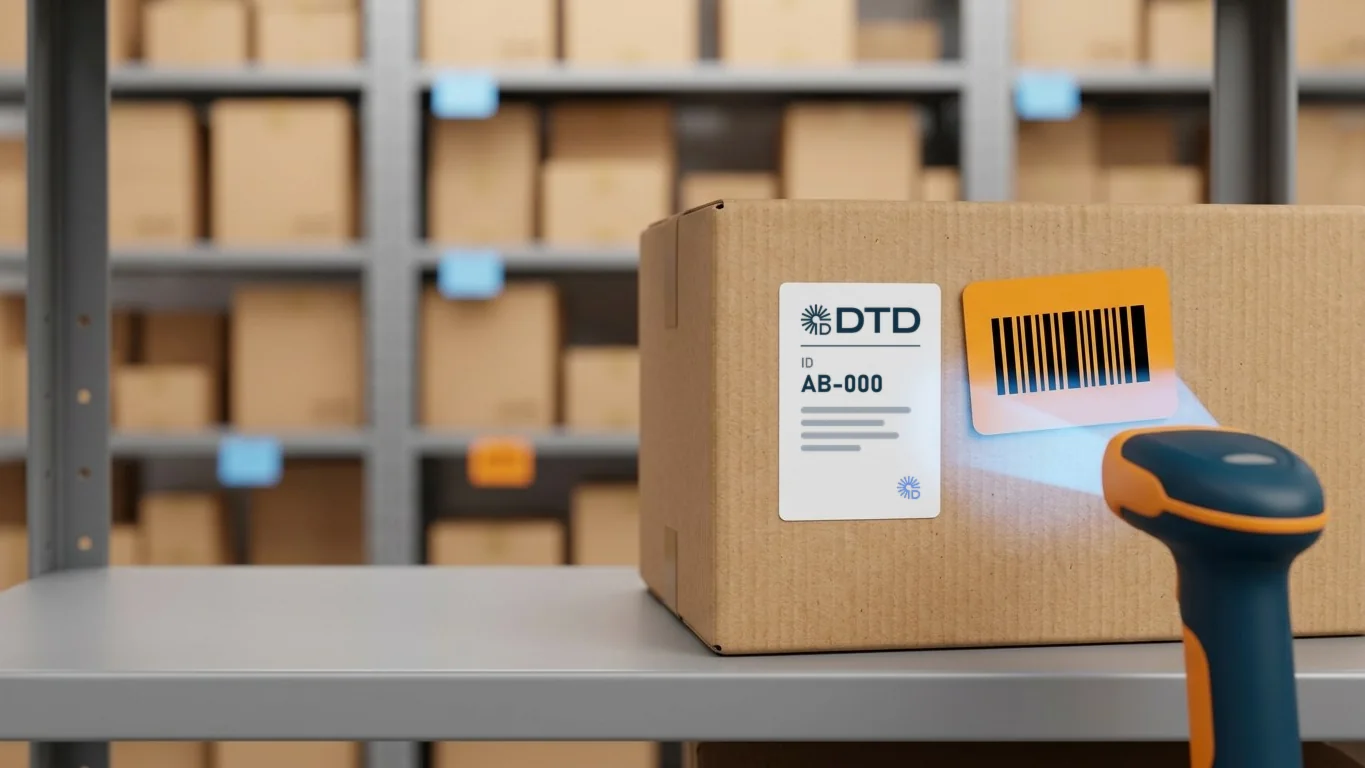
To add a China warehouse address on Taobao, 1688 or Pinduoduo, copy the address from the Door to Door Telegram bot exactly as it is and make sure your DTD ID appears on both the name line and the address line. Most mistakes people make when buying from China are in the address: the parcel still reaches our warehouse, but if the ID is missing or a single digit is swapped, it becomes hard to tell whose parcel it is, and it gets delayed. This guide shows how the address is structured, where the ID goes and where to enter the address on each platform.
Key points
- The Door to Door China warehouse address is issued in the Telegram bot, under the “✈️ Авиа адрес” (air address) and “🚚 Авто адрес” (road address) buttons.
- Your DTD ID goes in two places — on the name line and on the address line. The word “ID” itself is never deleted.
- The road address differs from the air address only by the note “(By land)”, which must stay on both lines.
- The Chinese characters in the address must not be translated or changed — copy the address exactly.
- If you’re not sure the address is right, send a screenshot of it to the Door to Door operator and it will be checked for you.
Contents
- Where to get the China warehouse address
- How the address is structured
- Air vs road address: what’s the difference
- How to add the address on Taobao
- How to add the address on 1688
- How to add the address on Pinduoduo
- 8 common address mistakes
- An ID a friend gave you is not your ID
- Save the address correctly once
- Frequently asked questions
Where to get the China warehouse address
Door to Door’s China warehouse address is issued in the Telegram bot: once you sign up, the “✈️ Авиа адрес” (air address) and “🚚 Авто адрес” (road address) buttons appear in the bot menu, and the address also comes in the confirmation message. The bot works in Uzbek and Russian. The address is deliberately not published on the website — it only works together with your ID.
The bot gives you the address with your ID already filled in — all you have to do is copy it and paste it into the shopping app.
How the address is structured
The China warehouse address has three lines: the recipient (name), the phone (phone number) and the address (address). Here is the structure of the air address — AB-000 stands in for the ID as an example (no such ID exists; you write your own), and the parts in brackets are written out in full in the bot:
name:[recipient] ID AB-000
phone number:[warehouse phone]
address:[warehouse address] ID AB-000- The ID appears twice — at the end of the name line and at the end of the address line.
- The word “ID” stays. The bot’s button gives you the address with your ID already filled in. If you take the address from somewhere else (an old message, a friend), replace only the dots in “ID .....” with your own number.
- IDs come in different formats, and all of them are valid: letters, a hyphen and digits (new IDs), or only digits, or letters with digits (older IDs). Write yours exactly as it was issued.
Air vs road address: what’s the difference
The air and road addresses lead to the same warehouse. The only difference is the “(By land)” note at the end: the warehouse uses exactly this note to put each parcel on a plane or on an overland shipment.
name:[recipient] ID AB-000 (By land)
phone number:[warehouse phone]
address:[warehouse address] ID AB-000 (By land)| ✈️ Air address | 🚚 Road address | |
|---|---|---|
| Ends with | ID only | ID + “(By land)” |
| Transit time | 4–7 days | 20–25 days |
| Price | from 9.49 $/kg | from 5.5 $/kg |
| Perfume, liquids, power banks | not allowed | allowed |
You can choose the route separately for each order: save both addresses in the app and select the one you need when you place the order. Check which goods travel by which route on the customs page.
How to add the address on Taobao
Address section
“我的淘宝” (My Taobao) → settings (设置) → “收货地址” (delivery addresses) → “添加收货地址” (add an address).
Recipient and phone
Copy the name line (with the ID) into “收货人” (recipient) and the phone number into “手机号码” (mobile number), exactly as they are.
Region
In “所在地区” (region), select the province, city and district from the start of the address, one after another. Leaving the region unselected is one of the most common mistakes.
Full address
Paste the address line, together with the ID at the end, into “详细地址” (detailed address) and save.
How to add the address on 1688
1688 is a wholesale platform, and its address fields are almost the same as on Taobao: profile (“我的”) → “收货地址” (delivery addresses) → add a new address. The recipient, phone, region and full address are filled in exactly the same way as on Taobao.
How to add the address on Pinduoduo
On Pinduoduo, you add the address through “收货地址” (delivery addresses) in your personal section. The fields are the same: recipient, phone, region, full address. If the app has several saved addresses, check before paying that the DTD address is selected at the top of the order page.
8 common address mistakes
Door to Door operators check the address screenshots customers send them every day. These are the mistakes they see most often:
- No ID — the dots in “ID .....” were left as they are.
- The ID is on only one line — it’s on the name line but not on the address line (or the other way round).
- The word “ID” is missing — the name and the number run together. Leave a space between “ID” and the number.
- A number in the address has changed — one digit in the building or room number is different. Don’t type the address by hand; only copy it.
- Digits swapped in the phone number — copy the 11-digit number too, never retype it.
- No “(By land)” on a road order, or it’s on only one line.
- An old ID or someone else’s ID — if you’ve been given a new ID, use only the new one.
- No region selected, or another cargo company’s address left in place — the order goes to a different warehouse.
Get it checked
After adding the address, send a screenshot to @Doorto_Door — the operator will point out any mistake. Before your first order this takes a minute and keeps your parcel from being delayed.
An ID a friend gave you is not your ID
Often a friend, a curator or a course teacher gives you their own ID. That ID is a referral code: they want to recommend Door to Door to you. If you order with that ID, the parcel goes to their account.
Sign up yourself
In the bot, tap “📝 Регистрация” (Sign up) — you get your own ID instantly.
Enter your friend’s ID in the right place
When the bot asks “Откуда вы о нас узнали?” (Where did you hear about us?), choose “👥 Друг/знакомый” (Friend/acquaintance) and enter their ID. That way they get a DUR bonus too.
Use your own ID in the address
Write only your own ID on both lines of the China address.
What bonus inviting a friend brings is explained on the DUR program page.
Save the address correctly once
- Set the DTD address as your default address (“默认地址”) — it will be selected automatically on your next orders.
- Delete other cargo companies’ old addresses, or at least remove them as the default.
- On every order, glance at the address at the top of the order page before paying.
Frequently asked questions
Can I translate the China address and write it in Latin letters?
No. Chinese platforms and couriers read the address in Chinese. Copy the address from the bot exactly, Chinese characters included — your DTD ID is already in it.
I placed an order but forgot to add my ID to the address. What should I do?
If the seller hasn’t shipped yet, ask them to change the address or edit the address in the order yourself. If it has already shipped, send the tracking number and a screenshot of the order to @Doorto_Door — we’ll try to find the parcel at the warehouse.
Is it enough to put my ID only on the name line?
No. At the warehouse, a parcel’s owner is identified from its label, and which line ends up on the label depends on the courier. With the ID on both lines, the parcel reaches you whichever label it arrives with.
Can I use the address before my registration is approved?
Yes. The bot gives you your ID as soon as you sign up, and the address buttons work even before approval. Details are usually approved within 24 hours.
Get your address now
Everything happens in our Telegram bot: get your ID, copy the China address and shop. We handle the rest — from our warehouse in China to your door.
- Sign up
1. Get your DTD ID
Tap “📝 Регистрация” (Sign up) in the bot — it works in Uzbek and Russian. Passport details are needed for customs. The ID is issued instantly; you get 5 DUR once approved.
- Get the address
2. Get the China address
Tap “✈️ Авиа адрес” (air) or “🚚 Авто адрес” (road) and paste the address into Taobao, 1688 or Pinduoduo.
- Track cargo
3. Shop and track
The bot notifies you when your parcel reaches our warehouse. Check its status by tracking number any time.
- Since 2021
- 10 800+ happy customers
- Branches in 11 regions
Read next
How to order from Taobao to Uzbekistan: a complete step-by-step guide
How to order from Taobao to Uzbekistan step by step: set up the app, choose a seller, add the China warehouse address, pay, track and estimate the cargo cost.
Read
How to message a Taobao seller in Chinese: 13 ready-made messages
Ready-to-copy Chinese messages for Taobao, 1688 and Pinduoduo sellers: ask about sizes, faster shipping, tracking numbers, missing parcels, damage and refunds.
Read